Hotline: 16297 (9.00 AM to 11.00 PM)





 2 user want this item!









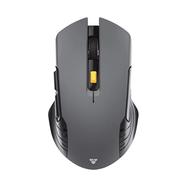
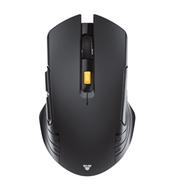

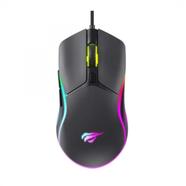

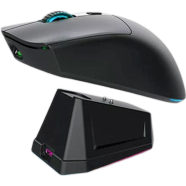
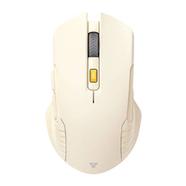
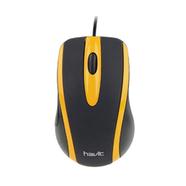
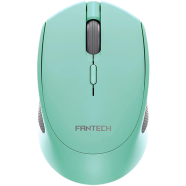
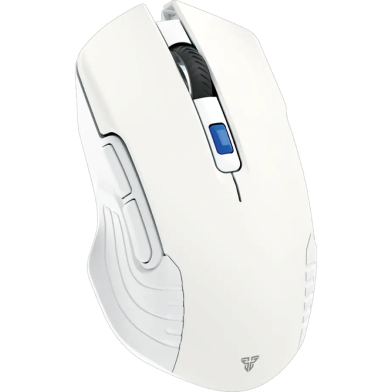
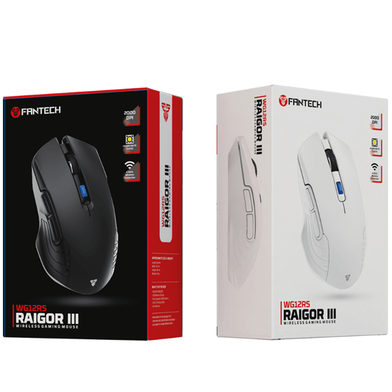
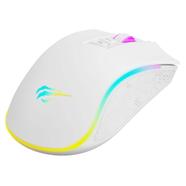
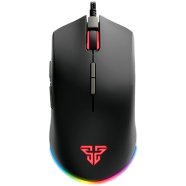
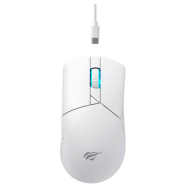
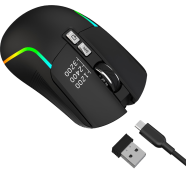
The Fantech RAIGOR III WG12RS uses a Pixart 3065 sensor for tracking up to 2000 DPI. Silent switches reduce click noise during quiet environments or late-night sessions. This wireless mouse runs on a rechargeable 14500 lithium battery to eliminate disposable cell waste.
Key Features
- Silent Click Switches: 3 million click rated internal hardware. Buttons remain quiet during high-intensity usage.
- Rechargeable Lithium Battery: Integrated 14500 cell with Type-C charging. Stops frequent battery swaps during load shedding.
- On-the-fly DPI Switching: Adjustable range from 800 to 2000 DPI. Shifts sensitivity instantly with the dedicated top button.
- Pixart 3065 Sensor: 30 IPS tracking speed and 10G acceleration. Maintains cursor accuracy during rapid hand movements.
- 2.4GHz Wireless Connection: 10-meter stable range via a nano receiver. Operates without cable drag or signal drops.
Frequently Asked Questions
Is Fantech WG12RS rechargeable?
Yes, it contains an internal 14500 lithium battery. You charge it via a cable instead of replacing alkaline cells.
How to change DPI on Fantech WG12RS?
Press the dedicated button located behind the scroll wheel. This cycles through the 800, 1200, 1600, and 2000 DPI presets.
















![R8 1741 Wireless [2.4G] Mouse](https://rokbucket.rokomari.io/ProductNew20190903/130X186/R8_1741_Wireless_24G_Mouse-Non_Brand-45fa5-553085.png)