Hotline: 16297 (9.00 AM to 11.00 PM)


 Hello, Sign in
 Cart
Cart 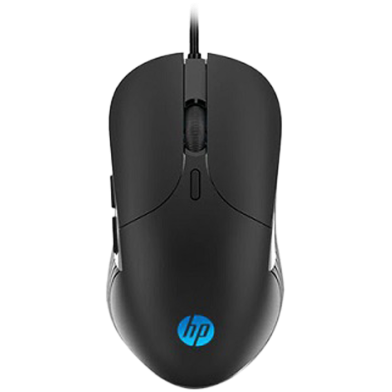


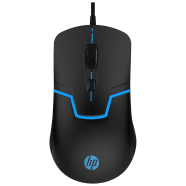
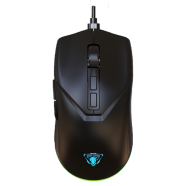
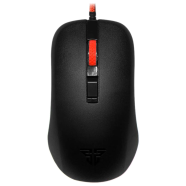
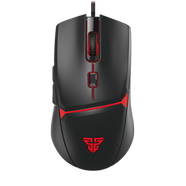
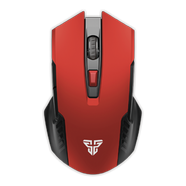
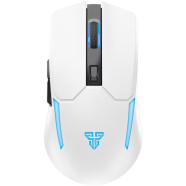
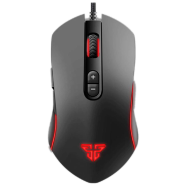
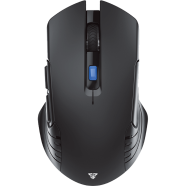
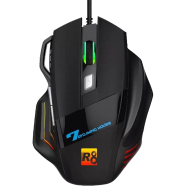
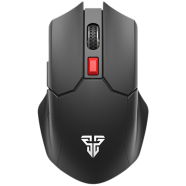
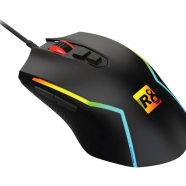
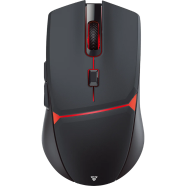
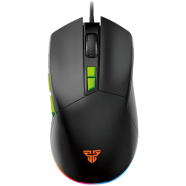
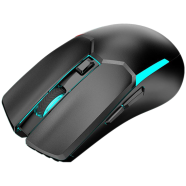
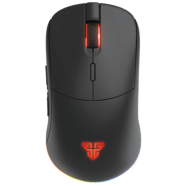
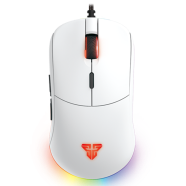
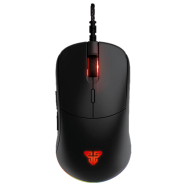
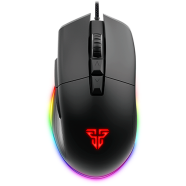
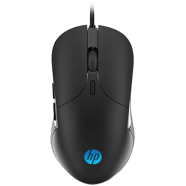
HP M280 RGB Gaming Mouse tracks movement via an SPCP A704E optical sensor reaching 2400 DPI. Six dedicated buttons handle input commands through a wired 1.5m USB connection. For those seeking a budget gaming mouse in BD, this version adopts a refined ergonomic shape to replace the older M270 claw-grip design.
Key Features
- 4-Level DPI Toggle: 800 to 2400 DPI range via optical sensor. Shifts cursor sensitivity to match monitor resolution.
- 6-Button Layout: Six physical switches including DPI and side buttons. Triggers commands without using a keyboard.
- RGB LED Lighting: 4-color rotating cycle powered by DC 5V. Improves visibility in low-light rooms.
- Wired Interface: 1.5 meter USB 2.0 connection cable. Stops input lag and data loss.
- Weighted Chassis: 114g mass with 123x65.5x33 mm dimensions. Stays grounded on the desk during fast movements.
Frequently Asked Questions
How to change DPI on HP M280?
Press the dedicated DPI button located behind the scroll wheel. Each click cycles through 800, 1200, 1600, and 2400 sensitivity levels.
Does HP M280 have software?
This model operates as a plug-and-play device without external configuration software. Windows system drivers manage the 6 buttons and lighting automatically.