 1 user want this item!





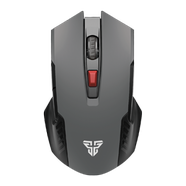



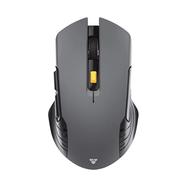
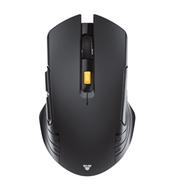

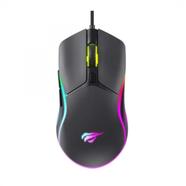

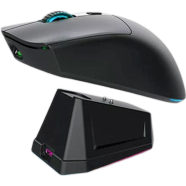
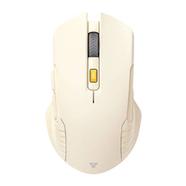
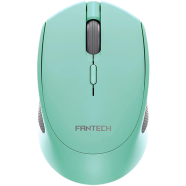
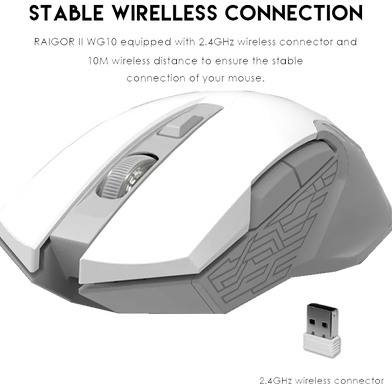
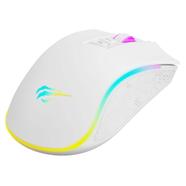
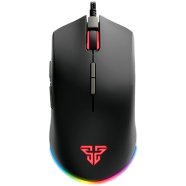
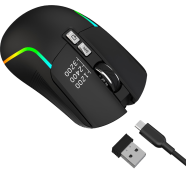
Under the hood, a PixArt FCT3065 sensor drives the Fantech Raigor II WG10 Space Wireless Mouse to 2000 DPI. Across a 10-meter range, 2.4GHz wireless tech links to a Nano receiver. In contrast to the original model, the Raigor II Space Edition updates the external shell for improved ergonomics.
Key Features
- PixArt Gaming Optical Sensor: PixArt FCT3065 sensor with 2000 DPI and 10G acceleration. Tracks accurately on pads during fast movements.
- Intelligent Power Saving Mode: Auto-sleep power management triggers during periods of mouse inactivity. Prevents battery drain during frequent load shedding.
- Huano Switches: Mechanical hardware carries a 5 million click lifecycle rating. Resists switch degradation through repetitive clicking.
- Lightweight ABS Shell: 61g net weight using ABS plastic and Teflon skates. Glides across surfaces with minimal friction.
- 12-Month Service Warranty: Technical hardware coverage for exactly 365 days after purchase. Fixes internal failures without extra component costs.
Frequently Asked Questions
Is Fantech WG10 good for gaming?
The 125Hz polling rate and 2000 DPI suit casual gaming titles. Fast-paced shooters might hit the 30 IPS tracking limit.
How to change DPI on Fantech WG10?
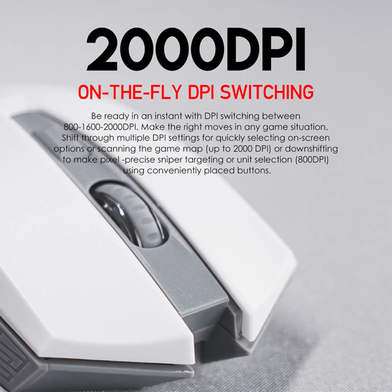
Cycle through settings by clicking the button located behind the scroll wheel. The sensor switches between 800 and 2000 DPI immediately.




















![R8 1741 Wireless [2.4G] Mouse](https://rokbucket.rokomari.io/ProductNew20190903/130X186/R8_1741_Wireless_24G_Mouse-Non_Brand-45fa5-553085.png)