Hotline: 16297 (9 AM to 8 PM)


 Hello, Sign in
 Cart
Cart 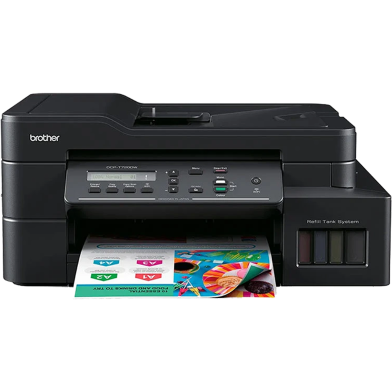


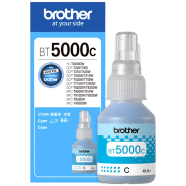
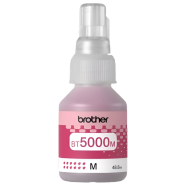
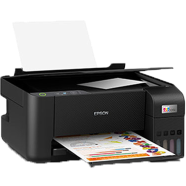
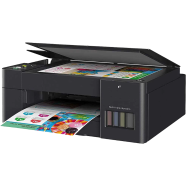
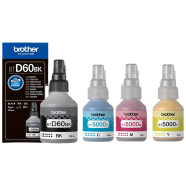
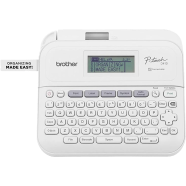
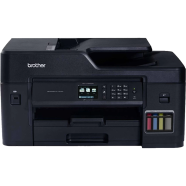
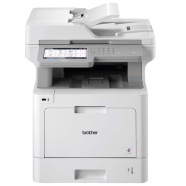
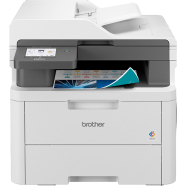
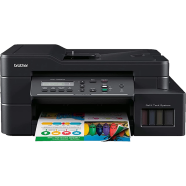
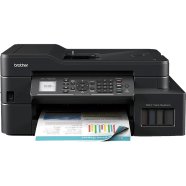
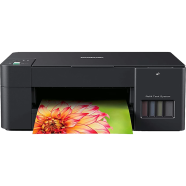
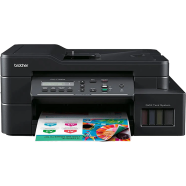
Brother DCP-T720DW handles scanning, copying, and wireless printing via a refillable ink tank system. Integrated auto-duplexing cuts paper consumption by printing on both sides automatically. WiFi Direct connectivity connects mobile devices to the printer without a network router.
Key Features
- Auto Duplex Printing: Mechanically prints on both sides of a single sheet. Cuts paper waste during long document runs.
- 20-Sheet ADF: Automates multi-page scanning and copying without manual intervention. Handles bulk documents faster during office hours.
- Wireless Connectivity: Built-in WiFi Direct connects mobile devices without a router. Prints files from smartphones through the Brother app.
- 150-Sheet Paper Tray: Internal cassette holds a large stack of standard paper. Protects paper from road dust and humidity.
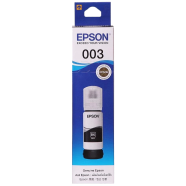
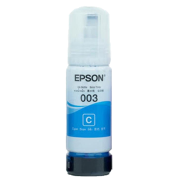
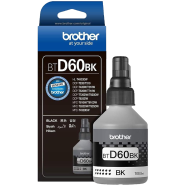
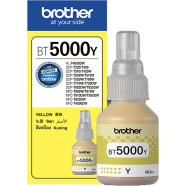
- High-Yield Ink: Refillable tanks produce thousands of pages per bottle set. Reduces frequent maintenance stops for ink replacements.
Frequently Asked Questions
Does Brother DCP-T720DW support legal size scanning?
The flatbed scanner supports up to A4 size documents. Use the ADF for longer sheets to scan standard legal widths.
How to use duplex function in Brother DCP-T720DW?
Select the 'Two-sided' option within the print driver settings on your PC. The internal rollers flip the paper automatically after the first side prints.
How to fix paper jam in Brother DCP-T720DW?
Open the rear clearance cover and remove the jammed sheet slowly. Check the input tray for misaligned 80 g/m2 paper to avoid future jams.