Hotline: 16297 (9.00 AM to 11.00 PM)


 1 user want this item!

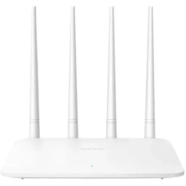

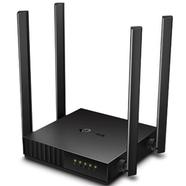

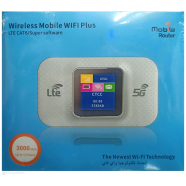
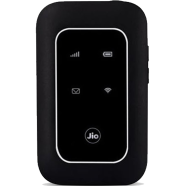
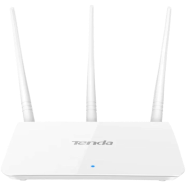


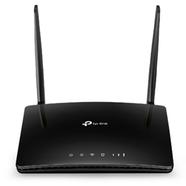
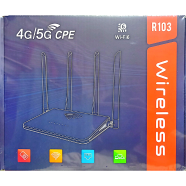
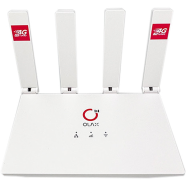
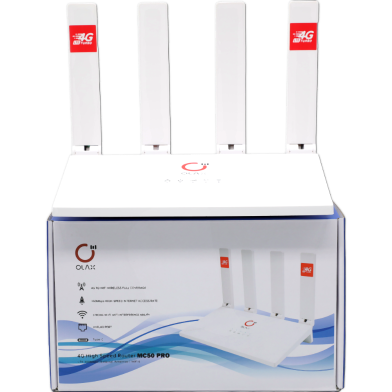
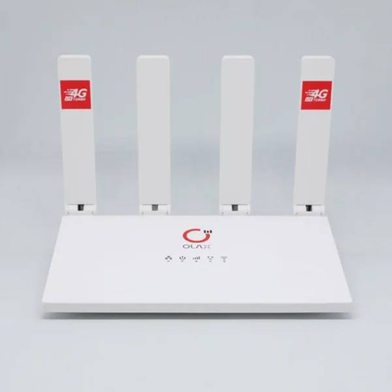
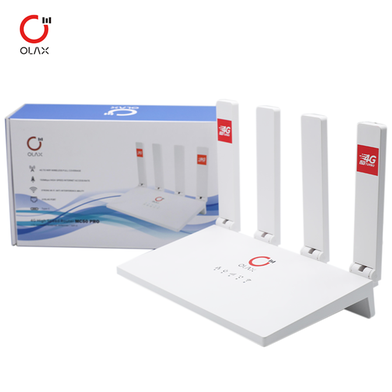
Under the ASR 1803 chipset, the OLAX MC50 Pro 4G LTE CPE Wi-Fi Router processes 4G data for 32 users. A Nano SIM slot provides the primary internet uplink through Cat 4 technology. This Pro version doubles the predecessor's wireless speed to 300Mbps and increases the total LAN port count to four.
Key Features
- 300Mbps Wireless Speed: 2.4GHz frequency output via 802.11b/g/n standards. Bandwidth prevents lag during HD streams.
- Dual Power Inputs: 12V DC barrel jack and 5V Type-C port. Runs via power banks during load shedding.
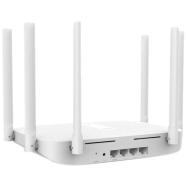
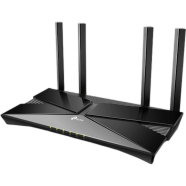
- High-Gain Antennas: Four external antennas attach to the router housing. Signal stays stable despite thick walls.
- Quad RJ45 Ports: Four physical LAN interfaces for direct wired ethernet. Reduces latency for desktop computers.
Frequently Asked Questions
Does OLAX MC50 Pro support all BD SIMs?
The Nano SIM slot accepts all 4G LTE cellular providers. It covers standard frequency bands for mobile data.
How to setup OLAX MC50 Pro router?
Insert the SIM card and connect the power cable. Internal software detects APN settings automatically for immediate connectivity.