Hotline: 16297 (9.00 AM to 11.00 PM)






 3 user want this item!

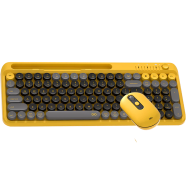

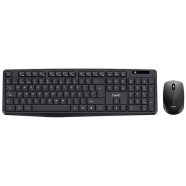

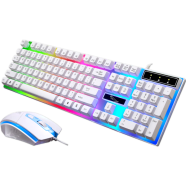


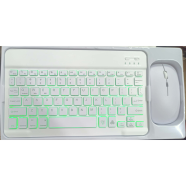
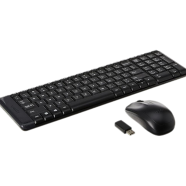

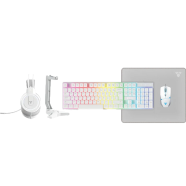
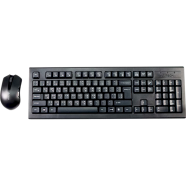
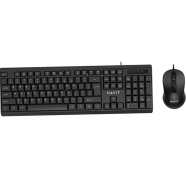



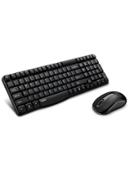
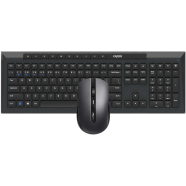
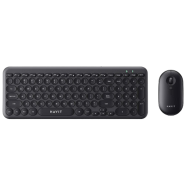
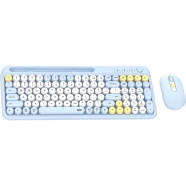
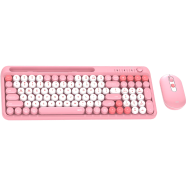
With Bluetooth 3.0/5.0 and 2.4GHz, the Fantech Go Mochi 101 WK899 Wireless Combo pairs with three devices simultaneously. 101 silent membrane keys handle data entry without clicking sounds. 1600 DPI tracking maintains cursor control within a 10-meter radius.
Key Features
- Triple Connectivity: BT 3.0, 5.0, and 2.4GHz protocols. Switches between laptop and tablet with one toggle.
- Integrated Phone Stand: Top-mounted 426mm chassis groove. Holds mobile devices upright for secondary screen monitoring.
- Rotary Volume Knob: Dedicated physical dial. Controls system audio levels without using software shortcuts.
- Silent Membrane Switches: Dampened 101-key layout. Reduces typing noise to avoid disturbing others during night shifts.
- 1600 DPI Mouse: 57g lightweight optical sensor. Despite the humidity, the matte surface maintains grip during use.
Frequently Asked Questions
How to connect Fantech WK899 to Bluetooth?
Toggle the connection switch to the BT icon and hold the pairing key. Your device recognizes the signal via Bluetooth 3.0 or 5.0 protocols.
Is Fantech WK899 keyboard silent?
Yes, membrane switches dampen the impact of every keystroke. This prevents noise complaints in quiet office environments.