Hotline: 16297 (9.00 AM to 11.00 PM)


 Hello, Sign in
 Cart
Cart 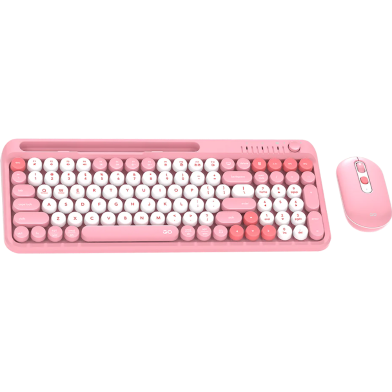


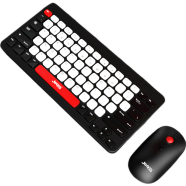
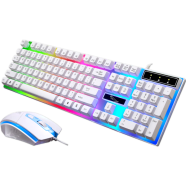



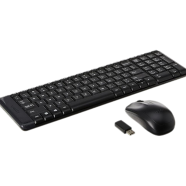
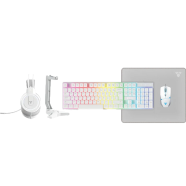

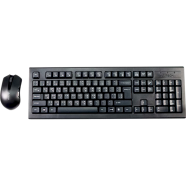
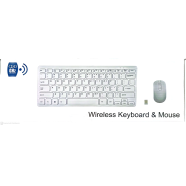

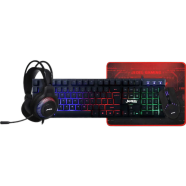
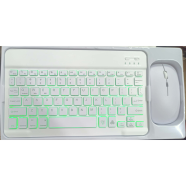
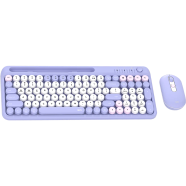
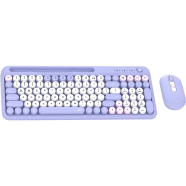
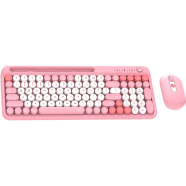
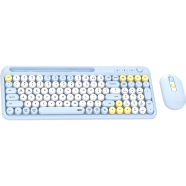
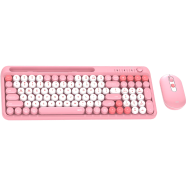
With triple connectivity modes, the Fantech GO Mochi 101 WK899 Wireless Keyboard Mouse Combo links three devices simultaneously. Bluetooth 5.0 and 2.4GHz wireless maintain stable inputs across a 10-meter range. Under the pink chassis, 101 concave keys provide tactile feedback for high-volume data entry.
Key Features
- Tri-Mode Connectivity: Bluetooth 3.0, 5.0, and 2.4GHz wireless support. Toggle between a laptop, tablet, and phone using Fn shortcut keys.
- Integrated Smartphone Stand: Built-in slot holds mobile devices upright. Keep phone screens visible while typing to manage notifications during power cuts or load shedding.
- Rotary Volume Control: Dedicated physical knob for audio levels. Adjust system sound instantly without navigating software menus or using function keys.
- Adjustable 1600 DPI: Optical sensor with 800 to 1600 sensitivity range. Match cursor tracking speed to specific screen resolutions for better precision.
- 101-Key Layout: Full-sized board with concave round keycaps. Silent membrane switches reduce noise levels in shared office environments.
- 1-Year Warranty: Manufacturer coverage against internal hardware defects. Technical support handles circuit failures or sensor malfunctions within twelve months.
Frequently Asked Questions
How to connect Fantech WK899 to Bluetooth?
Hold the Fn key while pressing Q, W, or E to activate pairing for different channels. The indicator light blinks when the device becomes visible to Bluetooth 3.0 or 5.0 hosts.
Is Fantech WK899 good for office work?
The 101-key layout includes a dedicated number pad for spreadsheet management and accounting tasks. Silent switches and the integrated phone stand optimize this multi device wireless keyboard mouse combo BD for professional desks.