Hotline: 16297 (9.00 AM to 11.00 PM)


 Hello, Sign in
 Cart
Cart 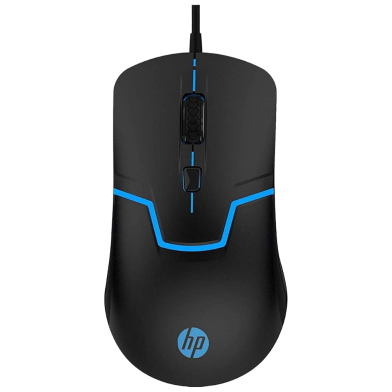
.svg)


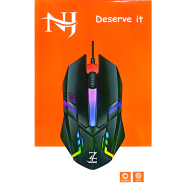
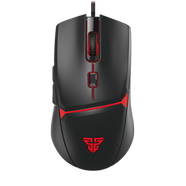
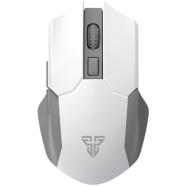
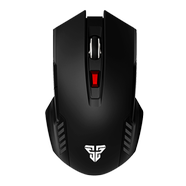
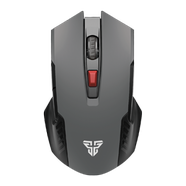
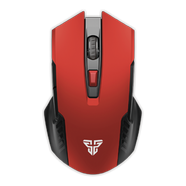
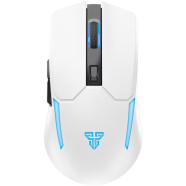
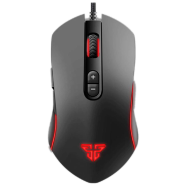
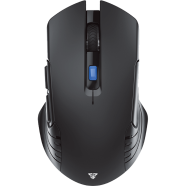
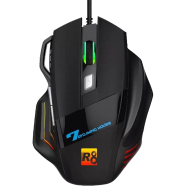
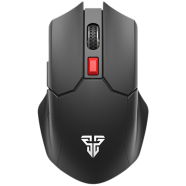
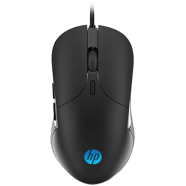
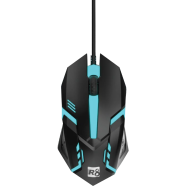
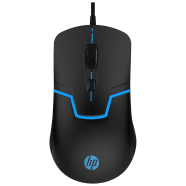
The HP M100 Wired Gaming Optical Mouse operates on a Sunplus 168A sensor for desktop navigation and gaming. Users toggle between 1000 and 1600 DPI settings to change cursor speed instantly. With a 1.6m USB cable, it connects directly to any PC port without driver installation.
Key Features
- Adjustable DPI Settings: Dual sensitivity levels at 1000 and 1600 DPI. Shift speeds to match high-resolution displays.
- 7-Color LED Backlight: Integrated cycling lights illuminate the mouse frame during operation. Provides visual orientation in dark gaming setups.
- 5 Million Click Rating: Mechanical switches tested for high-frequency trigger cycles. Stops button fatigue during repetitive clicking tasks.
- Symmetrical Ergonomic Build: 124x68x40 mm frame with an ambidextrous shape. Works for both left and right-handed users.
- Optical Tracking Sensor: Sunplus 168A hardware reads movement on most flat surfaces. Resists cursor jitter caused by accumulated road dust.
Frequently Asked Questions
How to change DPI on HP M100?
Press the dedicated button behind the scroll wheel to cycle between 1000 and 1600 DPI. The cursor speed updates immediately without software intervention.
Is HP M100 good for gaming?
It handles casual gaming with a 1600 DPI sensor and durable 5-million-click switches. Professional play might require higher DPI ranges and programmable buttons.