
 14 user want this item!
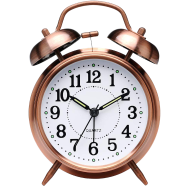

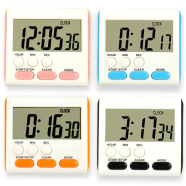


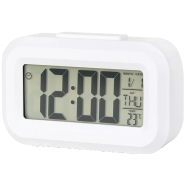
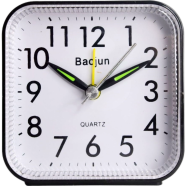
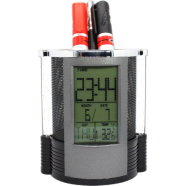
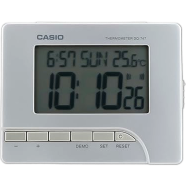
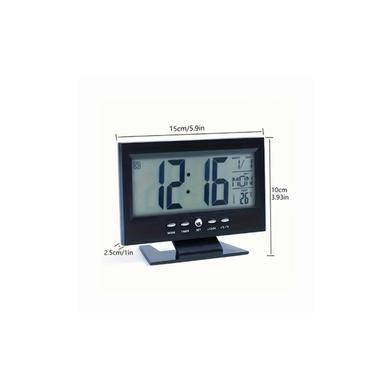
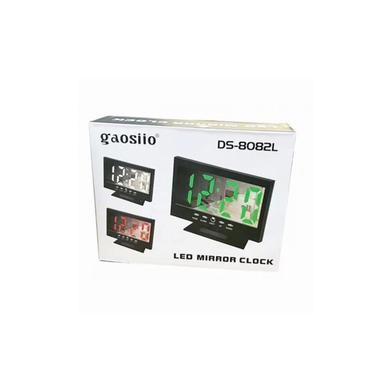
The Gaosiio DS-8082L LED Mirror Desktop Clock displays time, date, and temperature on a reflective 14x10.5 cm panel. It toggles between 12 and 24-hour formats while tracking a 100-year calendar. Dual power options keep the unit active through frequent load shedding.
Key Features
- Dual Power Mode: Operates via USB cable or three AAA batteries. Batteries maintain settings during power cuts.
- 100-Year Auto Calendar: Internal logic tracks date and year data until 2099. Requires no manual adjustment for leap years.
- Intelligent Night Mode: Automatically drops brightness levels between 18:00 and 06:00. Reduces eye strain in dark rooms.
- Temperature Sensor: Monitors ambient heat within a -10 to 50°C range. Displays real-time changes in Celsius or Fahrenheit.
- Memory Support: Retains alarm and time data after power disconnection. Saves time on manual reconfiguration.
Frequently Asked Questions
Does the LED clock stay on with batteries?
The display shuts off after 16 seconds on battery power to conserve energy. Pressing any button reactivates the LED mirror alarm clock surface.
How to set Gaosiio DS-8082L alarm?
Long-press the ALARM button to enter the time setup mode. Use the UP or DOWN buttons to select digits.