Hotline: 16297 (9.00 AM to 11.00 PM)


 Hello, Sign in
 Cart
Cart 


.svg)

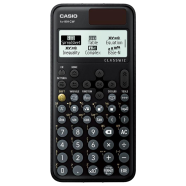
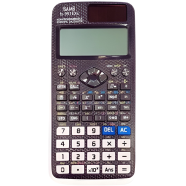
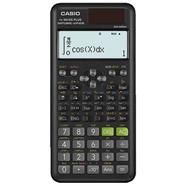
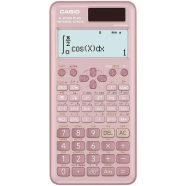
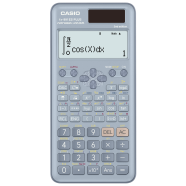
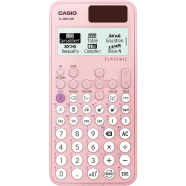
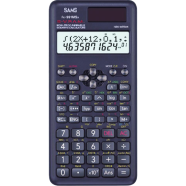
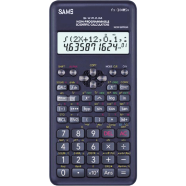
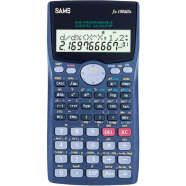
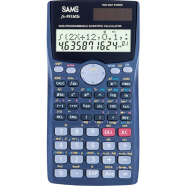
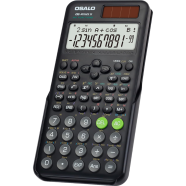
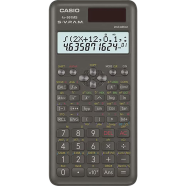
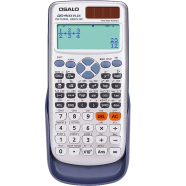
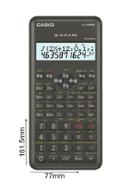
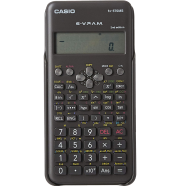
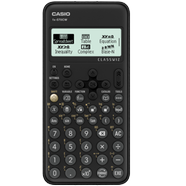
The Casio Fx-570CW ClassWiz Scientific Calculator processes 552 functions through a high-resolution display. With non-programmable internal logic, the hardware handles complex matrix and vector math. Upgraded from the Fx-570EX, it replaces list menus with an icon-based interface and 4-gradation LCD.
Key Features
- QR Code Visualization: Generates codes to display graphs on connected smart devices. Displays equation results as web charts.
- Icon-based Menu: Uses graphic symbols to categorize functions for faster selection. Speeds up navigation during exams.
- 4-Gradation LCD: 63 x 192 dot resolution with varying contrast levels. Improves legibility under classroom lights.
- Integrated Spreadsheet: Supports 5 columns and 45 rows of data storage. Performs recursive math without extra tools.
Frequently Asked Questions
Is Casio Fx-570CW allowed in BUET exams?
This non-programmable model generally complies with BUET admission and semester rules. Always confirm specific calculator policies with the exam board.
How to use QR code in Casio Fx-570CW?
Select a function, then press Shift and the QR key. Scanning the resulting on-screen code opens a web link with visual graphs.