Hotline: 16297 (9.00 AM to 11.00 PM)


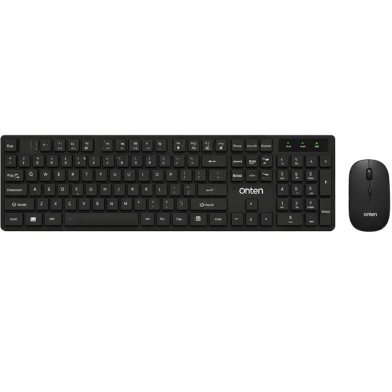
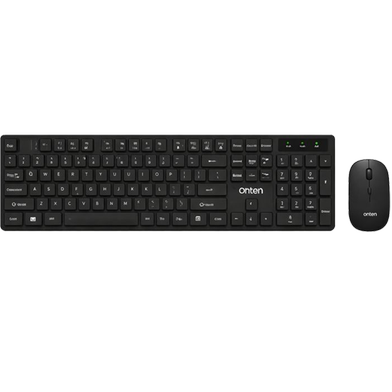

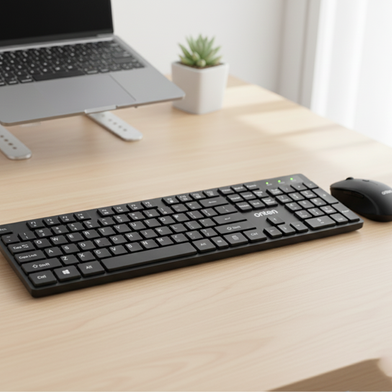


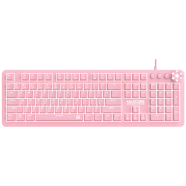
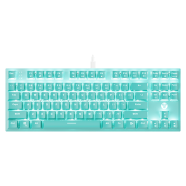

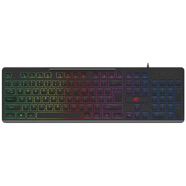
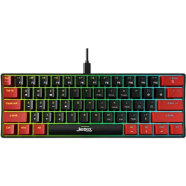
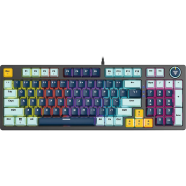
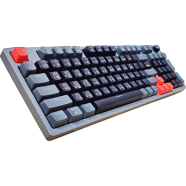
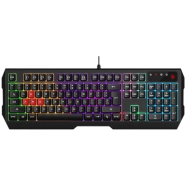

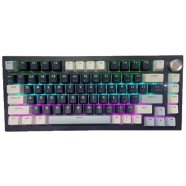
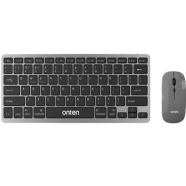
ONTEN OTN-KB202 pairs a 104-key membrane keyboard with a 1600 DPI optical mouse. One 2.4GHz USB receiver manages both devices within a 10-meter range. This setup removes cable clutter from workstations while maintaining input speed.
Key Features
- 104-Key Full Layout: Dedicated numeric keypad for numerical input. This configuration speeds up accounting and spreadsheet workflows.
- Adjustable Mouse DPI: Optical sensor scales between 800, 1200, and 1600 DPI. Fast settings move the cursor across large monitors quickly.
- 2.4GHz Connectivity: Single USB receiver handles both peripherals within 10 meters. Signal remains stable despite common road dust interference.
- Dual Battery Operation: Keyboard uses 1x AAA and mouse uses 1x AA. Separate power sources prevent total hardware failure if one cell drains.
- Membrane Switch Build: 470g chassis with low-profile keys. Reduces typing noise in shared office environments.
Frequently Asked Questions
Is ONTEN OTN-KB202 good for office work?
The full-size layout and 104 keys facilitate fast typing and calculation. Membrane switches keep the workplace quiet during heavy use.
How to connect ONTEN wireless keyboard to laptop?
Plug the included USB receiver into the laptop's USB-A port. Both devices connect immediately via 2.4GHz wireless frequency.