

 3 user want this item!

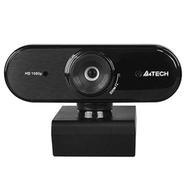
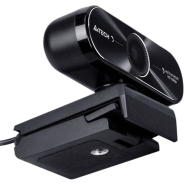
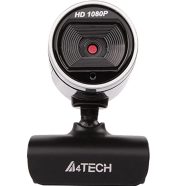
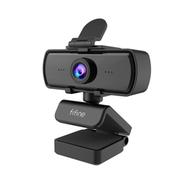
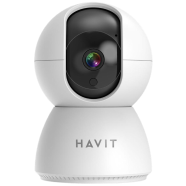
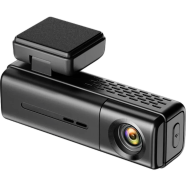
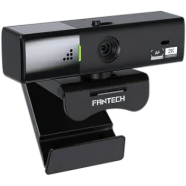
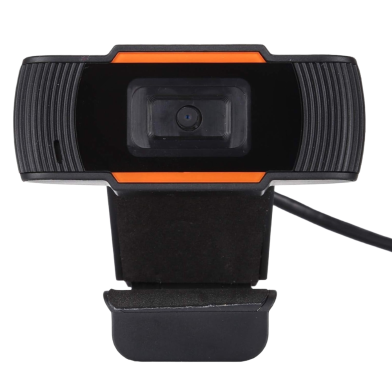
The Generic 1080P USB Webcam with Microphone captures video at 1080p resolution. Under the fixed-focus lens, a CMOS sensor records data at 30fps for video conferencing. This model fits the 1080p webcam price in bd category for Windows and Android systems.
Key Features
- USB 2.0 Interface: Driver-free setup connects instantly to PC or laptop. Hardware syncs with the operating system in under ten seconds.
- 360-Degree Swivel: Ball-joint head creates a rotatable computer camera bd users need for flexible framing. You adjust the frame without repositioning the monitor.
- Integrated Microphone: Sound-absorbing internal component captures voice data within three meters. It removes the requirement for a separate external mic.
- CMOS Sensor: Behind the fixed-focus lens, hardware records 1080p video at 30fps. Regular cleaning prevents road dust from blurring the image during video calls.
Frequently Asked Questions
Does this webcam work with Android TV?
Yes. The USB 2.0 interface and 5V power draw match standard Android TV box ports for a functional webcam for android tv price in bd.
How to connect USB webcam to smart TV?
Insert the USB cable into an open port on the TV or box. The system recognizes the CMOS sensor automatically without extra software.