 Hotline: 16297 (9.00 AM to 11.00 PM)
Hotline: 16297 (9.00 AM to 11.00 PM)
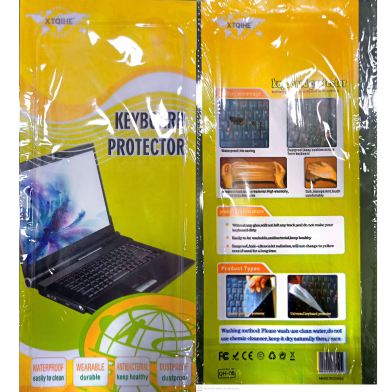
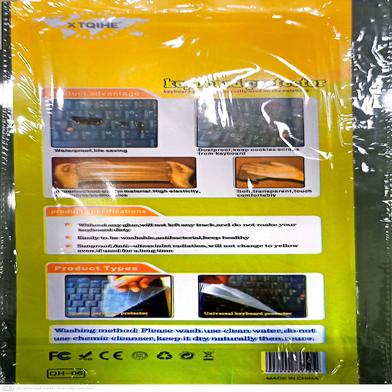


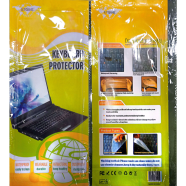
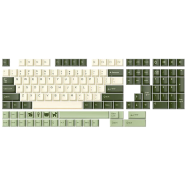
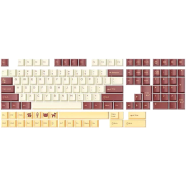
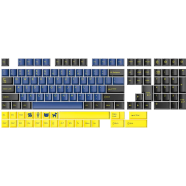
| Name | Laptop Keyboard Waterproof Protective Film 14.6 Inch Laptop Keyboard Cover |
| Category | Keyboard Accessories |
| Country of Origin | China |
| Product Type | Laptop Sticker |
| Material | Rubber |
| Transparency | High |
| Maintenance | Washable |
| Attachment Type | Static Adsorption |
| Company | Non-Brand |
| Weight | 0.02 Kg |
Universal 14.6 Inch Laptop Keyboard Protective Film covers keys on standard 14 to 15-inch laptops. A 0.3mm silicone layer blocks liquid spills and fine particles from entering the internal hardware. High transparency maintains visibility for backlit and standard keycaps.
The thin silicone layer traps a small amount of heat normally released through keys. Most laptops vent through the rear, making the thermal impact negligible.
Rinse the film under lukewarm water with a drop of mild detergent. Air dry it completely before reapplying to the laptop surface.
Report incorrect information
4
1 Ratings and 1 Reviews

Customer Care:
Hotline: 16297 (9 AM to 8 PM, Saturday to Thursday)
[email protected]

Become a seller:
[email protected]

Corporate Sales:
01708166238 (Whatsapp)
[email protected]

Retailer:
01708166185 (Whatsapp)
[email protected]

Address:
2/1/E, Eden Center, Arambag, Motijheel, Dhaka-1000

Email Us:
[email protected]


© 2012-2026 Rokomari.com


By iM Imaz, May 7, 2026

Verified Purchase
Was this review helpful to you?


