Hotline: 16297 (9 AM to 8 PM)


 Hello, Sign in
 Cart
Cart 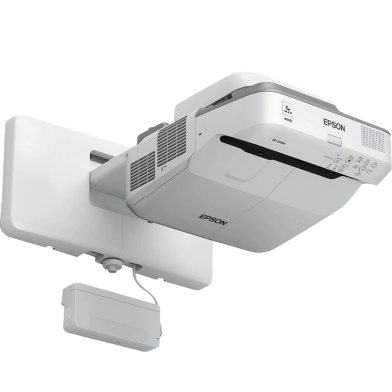



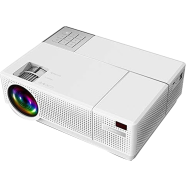
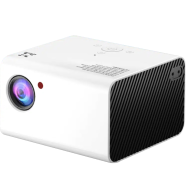

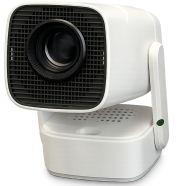
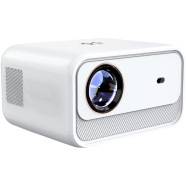
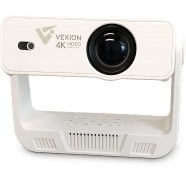
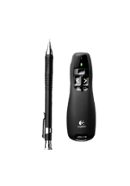
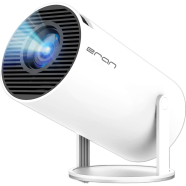
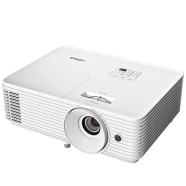
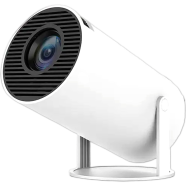
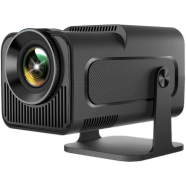

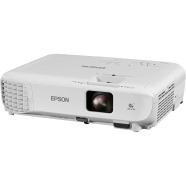
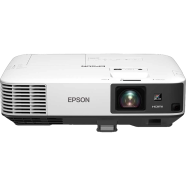
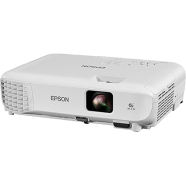
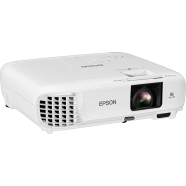
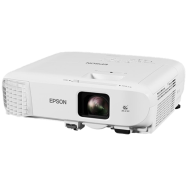
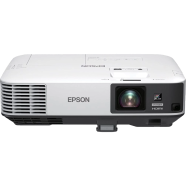
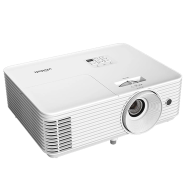
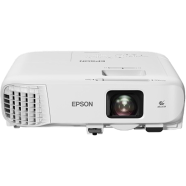
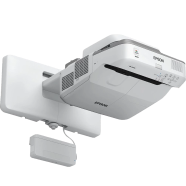
The Epson EB-695Wi projects a 100-inch interactive surface from inches away. 3LCD hardware produces 3,500 lumens for visibility under bright overhead lights. Finger-touch and dual pens turn flat walls into digital whiteboards for direct data manipulation.
Key Features
- Finger-Touch Interactivity: Infrared sensors track up to six fingers simultaneously. Replaces physical markers with digital touch on any flat surface.
- 0.28 Throw Ratio: Projects large images from a 0.4-meter distance from the wall. Eliminates presenter shadows and lens glare during lectures.
- Split-Screen Mode: Displays two input sources side-by-side on a single screen. Compares documents or video feeds without manual cable switching.
- Triple HDMI Inputs: Connects three digital sources like laptops or document cameras. Reduces hardware wear in high-humidity classroom settings.
- 16W Internal Speaker: Integrated mono output handles audio for standard 30-student rooms. Removes the requirement for external amplifiers in small spaces.
Frequently Asked Questions
How to use finger touch on Epson EB-695Wi?
Mount the laser touch unit above the projection area and run the calibration tool. The sensors detect physical contact to simulate mouse clicks and drawing gestures.
What is the advantage of the ultra-short-throw design?
The 0.28:1 ratio allows the projector to sit almost against the wall. This prevents the light beam from hitting the presenter's eyes or casting shadows.