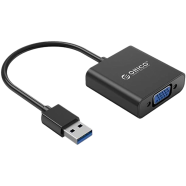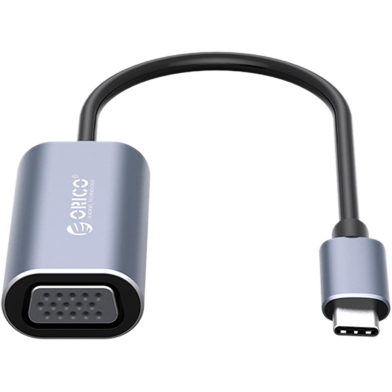
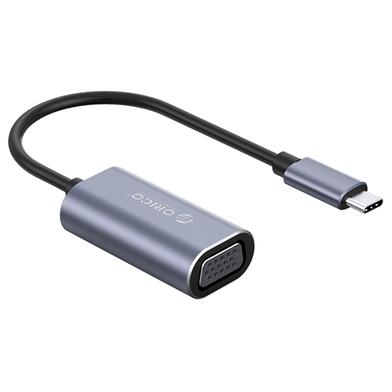
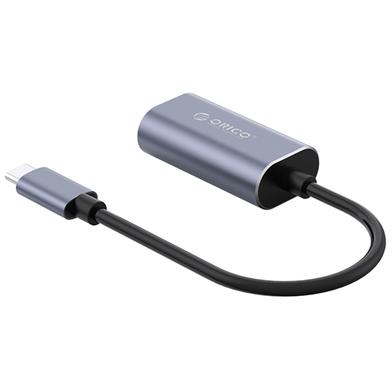
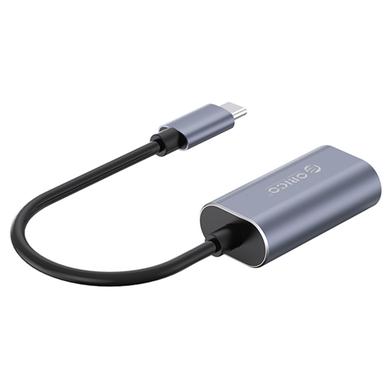
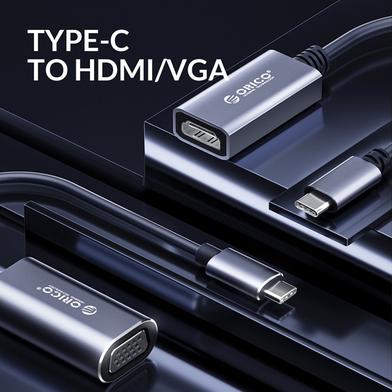




Orico CTV-GY-BP bridges Type-C hardware with VGA-equipped monitors or projectors. 1080p video outputs at 60Hz for stable image quality. Aluminum alloy construction manages heat during continuous operation.
Key Features
- 1080p HD Resolution: Outputs 1920x1080 pixels at 60Hz refresh rate. Legacy projectors display sharp text without flickering.
- Aluminum Alloy Shell: Metal casing conducts heat away from internal chipsets. Maintains stability even in high humidity environments.
- Driver-free Connectivity: Operates without software installation or complex setup procedures. Hardware connects immediately to compatible Type-C ports.
- Mirror and Extend: Toggles between duplicated or expanded desktop display modes. Users gain screen real estate for multitasking.
- 12-Month Warranty: Covers hardware malfunctions for one full year. Protects against manufacturing defects or component failure.
Frequently Asked Questions
Does Orico CTV-GY-BP support iPad Pro?
It connects Type-C iPad Pro models to VGA displays for video mirroring. The tablet must run iPadOS to output the signal correctly.
How to connect Type-C phone to VGA monitor?
Plug the adapter into a phone supporting DisplayPort Alt Mode. Video signals transmit to the monitor without requiring external power.